MMI Infotainment System Problems Every Audi Owner Should Know

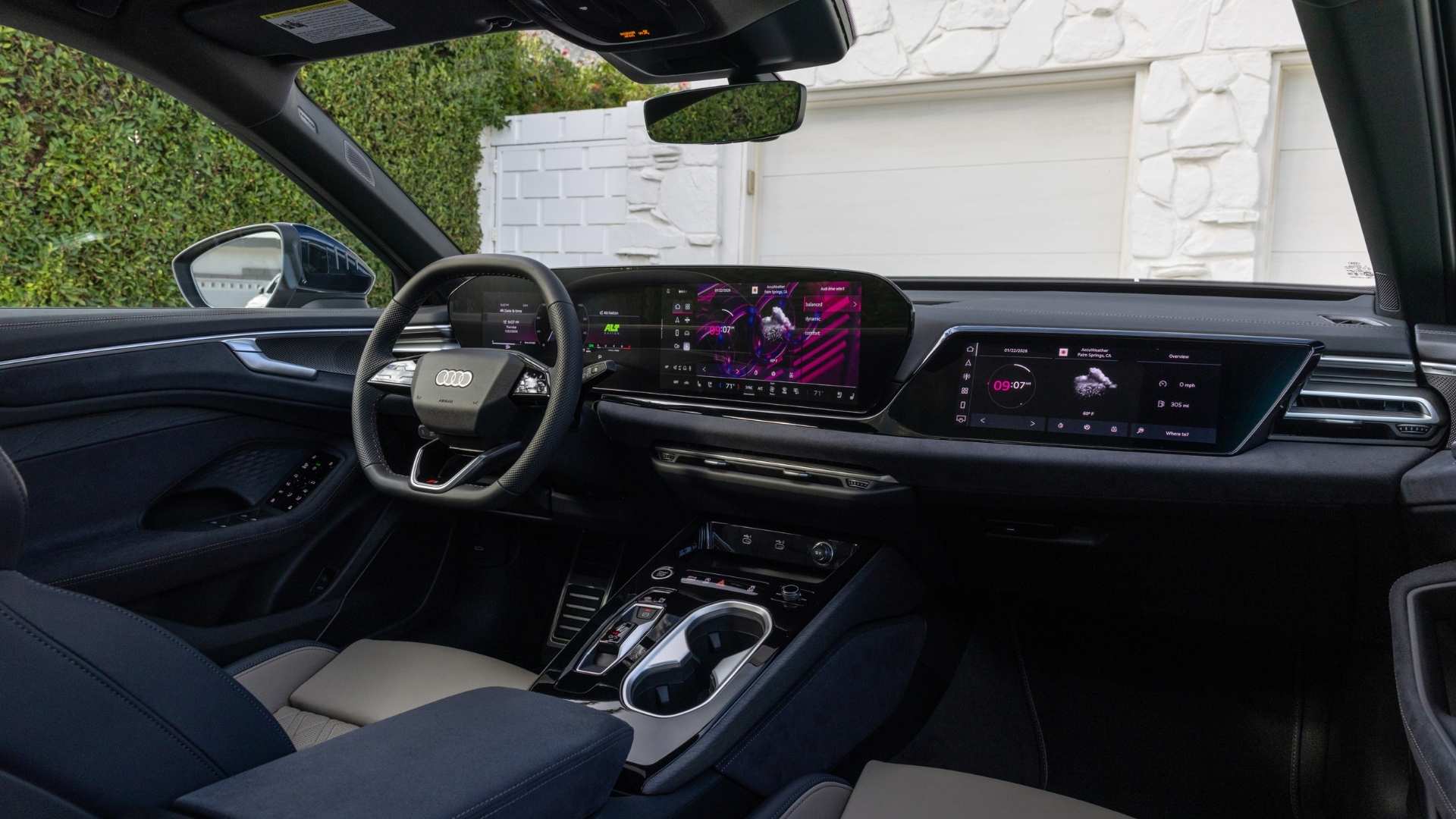
The Audi MMI, short for Multi Media Interface, serves as the central hub for many vehicle functions. It controls navigation, media playback, phone connectivity, vehicle settings, and various driver convenience features. As Audi technology has evolved, the MMI system has become increasingly sophisticated, creating a more connected and intuitive driving experience.

In vehicles like the Audi A6, the MMI system plays an essential role in everyday driving. It integrates multiple vehicle functions into a single interface. However, software updates or hardware issues can occasionally affect how the system performs.

Many Audi owners wonder whether MMI problems are common. The answer is that most issues are relatively minor and often related to software communication, connectivity, or temporary system glitches. Understanding the most common concerns can help drivers identify problems early and take appropriate action.

Screen Freezing and Slow System Response
Screen Freezing and Slow System Response
Why the Display May Become Unresponsive

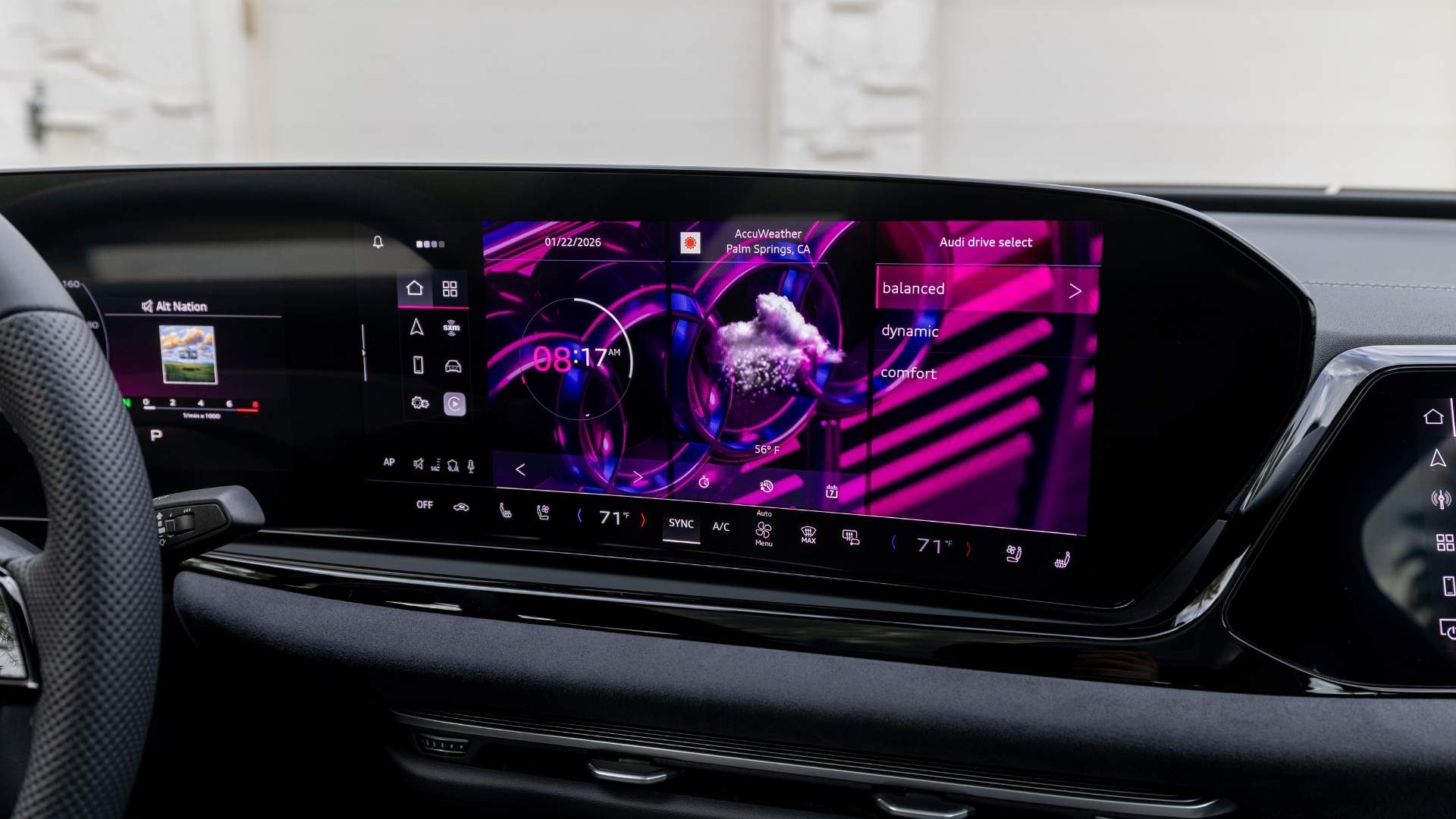
One of the most frequently reported concerns involves an MMI screen that freezes or reacts slowly to commands. Drivers may notice delays when switching menus, adjusting settings, or entering navigation destinations.

Delays typically occur when the system is processing multiple functions simultaneously. Navigation updates, smartphone integration, Bluetooth activity, and vehicle data all require communication through the infotainment platform.

A helpful fact many drivers should know is this: Temporary software delays are one of the most common causes of MMI performance issues and often do not indicate hardware failure.


What Drivers Can Do

In many cases, restarting the MMI system resolves the issue. Performing a soft reboot refreshes the software and restores normal operation.

If freezing becomes frequent, a software update may be necessary. Audi periodically releases updates that improve system stability and overall performance.

Random Screen Shutoffs and Display Problems
Random Screen Shutoffs and Display Problems
Understanding Intermittent Screen Behavior

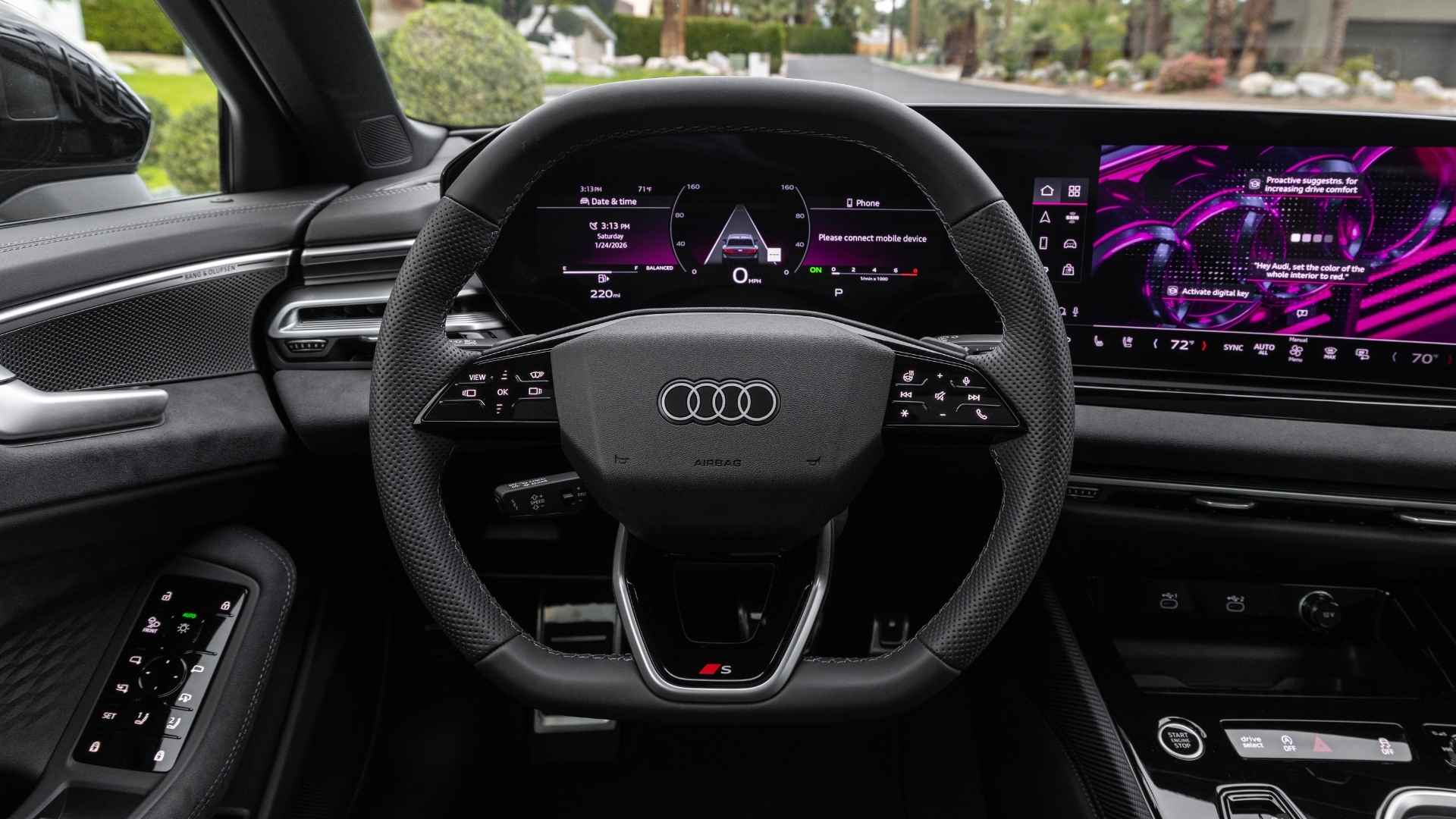
Some drivers report that the display unexpectedly turns off and back on while driving. Others may experience a black screen during startup.

These situations can occur due to software communication errors, power interruptions, or aging hardware components. While occasional occurrences may not be serious, repeated incidents deserve attention.

Owners researching older Audi systems often search for information regarding the Audi A6 C7 MMI screen on and off button location. On many C7-generation Audi A6 models, the screen control functions are integrated into the MMI control panel near the center console, allowing drivers to retract or manage display operation depending on equipment configuration.


Why Consistent Display Function Matters

The infotainment screen provides access to navigation, media, vehicle settings, and driver information. When the display becomes unreliable, it can impact convenience and distract drivers from the road.

Addressing recurring screen issues early helps prevent larger system concerns and improves the overall ownership experience.

Bluetooth and Smartphone Connectivity Issues
Bluetooth and Smartphone Connectivity Issues
Common Pairing Problems

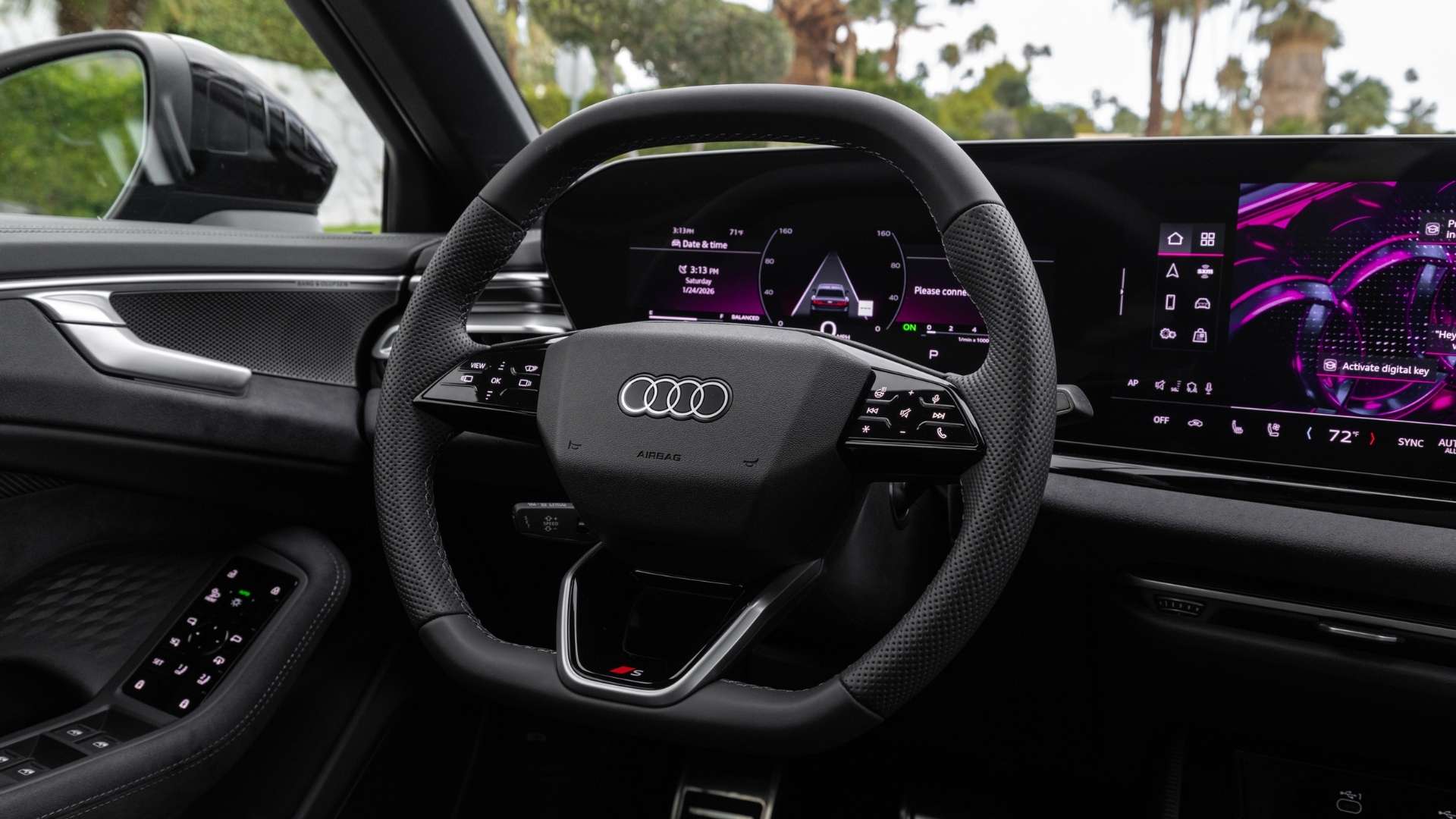
Modern Audi owners frequently connect their smartphones to the MMI system for calls, music streaming, navigation, and messaging.

Sometimes devices fail to connect automatically, disconnect unexpectedly, or experience delayed responses. Outdated software, device compatibility conflicts, or corrupted connection data often cause these issues.

Many drivers assume the vehicle is responsible when connectivity problems occur. However, smartphones themselves often contribute to communication interruptions.


How To Improve Connection Reliability

Keeping both the smartphone operating system and vehicle software updated can significantly improve performance.

Removing and re-pairing a device is another effective troubleshooting step. This process clears stored connection information and establishes a fresh communication link between the phone and the vehicle.

A simple answer many owners appreciate is this: In many cases, software updates or a fresh connection to the MMI system can quickly restore proper Bluetooth functionality.

Navigation System Performance Concerns

Navigation System Performance Concerns
Delayed Route Updates

Navigation is one of the most heavily used MMI features. Drivers expect accurate maps, responsive routing, and real-time guidance.

Occasionally, the navigation system may load slowly, display outdated information, or struggle to update routes quickly, which is commonly related to map database updates or software performance issues.

Drivers throughout Salt Lake City, UT, frequently depend on navigation for commuting, traveling to nearby mountain destinations, and exploring surrounding communities. Reliable navigation performance remains an important part of the Audi ownership experience.


Keeping Navigation Current

Regular software and map updates help improve routing accuracy and system responsiveness. When installed correctly, updates often improve navigation performance by delivering faster route calculations and more accurate destination guidance.

Audio and Media Playback Issues

Audio and Media Playback Issues
Why Audio Interruptions Happen

Some Audi owners experience audio dropouts, delayed media loading, or inconsistent sound performance. These issues can originate from connected devices, streaming applications, USB media sources, or communication problems with infotainment software.

Because the MMI system acts as the central controller for media functions, even small software delays can affect playback performance.


Simple Troubleshooting Steps

Restarting the media source, disconnecting external devices, or rebooting the MMI system can restore normal operation.

If audio concerns continue, technicians can perform diagnostics to identify whether software updates or hardware repairs are necessary.

System Restart Loops and Startup Failures

System Restart Loops and Startup Failures
Recognizing Serious Warning Signs

While most MMI issues are minor, some symptoms warrant professional inspection. One example is a system that repeatedly reboots or fails to load completely.

When the infotainment platform enters a restart loop, communication between vehicle modules may be interrupted, affecting multiple convenience features throughout the vehicle.

Persistent startup failures often indicate underlying software or electronic issues that warrant professional diagnosis and attention.


When Professional Diagnostics Become Important

Audi vehicles contain sophisticated electronic architecture that requires specialized diagnostic equipment.

At Audi Salt Lake City, technicians use advanced diagnostic tools to identify software conflicts, communication errors, and hardware concerns that may not be visible during basic troubleshooting.

Preventing MMI Problems Through Routine Maintenance

Preventing MMI Problems Through Routine Maintenance
The Value of Software Updates

Modern vehicles depend on software as much as mechanical components. Regular updates help improve stability, security, and compatibility with connected devices.

Installing the latest software updates is one of the simplest ways to reduce the likelihood of infotainment-related problems, particularly for owners who frequently use navigation, smartphone integration, and connected vehicle services.


Why Scheduled Service Matters

Routine inspections allow technicians to identify developing issues before they affect daily driving. Programs for regular vehicle maintenance can help owners stay up to date on software updates, system checks, and overall vehicle care.

For buyers considering a new Audi vehicle, understanding long-term ownership support can be just as important as selecting the right model. Flexible Audi financing options can help drivers access the latest technology while enjoying ongoing support throughout ownership.

Helpful Resources for Audi Technology Owners

Helpful Resources for Audi Technology Owners

Audi owners often want reliable information when troubleshooting technology concerns. In addition to professional service support, educational resources can help drivers better understand their vehicle systems.

Audi Salt Lake City provides a dedicated technology resource on its Tech Tips page. These resources offer useful guidance on various Audi technologies and ownership topics.

For drivers interested in display-related troubleshooting, it is also helpful to review the related article "How To Troubleshoot the Audi Virtual Cockpit Display." That guide explores common digital display concerns and practical troubleshooting steps.

Why Understanding MMI Problems Helps Audi Owners

The Audi MMI infotainment system delivers convenience, connectivity, and access to essential vehicle functions. While occasional issues can occur, most problems stem from software communication, device compatibility, or routine maintenance needs rather than major component failures.

Understanding common concerns such as screen freezes, connectivity issues, navigation delays, and startup issues enables drivers to respond more confidently when problems arise.

For Audi owners throughout Salt Lake City, UT, and nearby communities, staying informed about technology systems helps maximize both convenience and long-term ownership satisfaction. Whether driving an Audi A6 or another Audi model, a well-maintained MMI system contributes significantly to a seamless driving experience.

Frequently Asked Questions

Sales: 385-443-4147

Service: 385-443-4150

Parts: 385-443-4094

Loading..