How To Troubleshoot the Audi Virtual Cockpit Display
04/17/2026
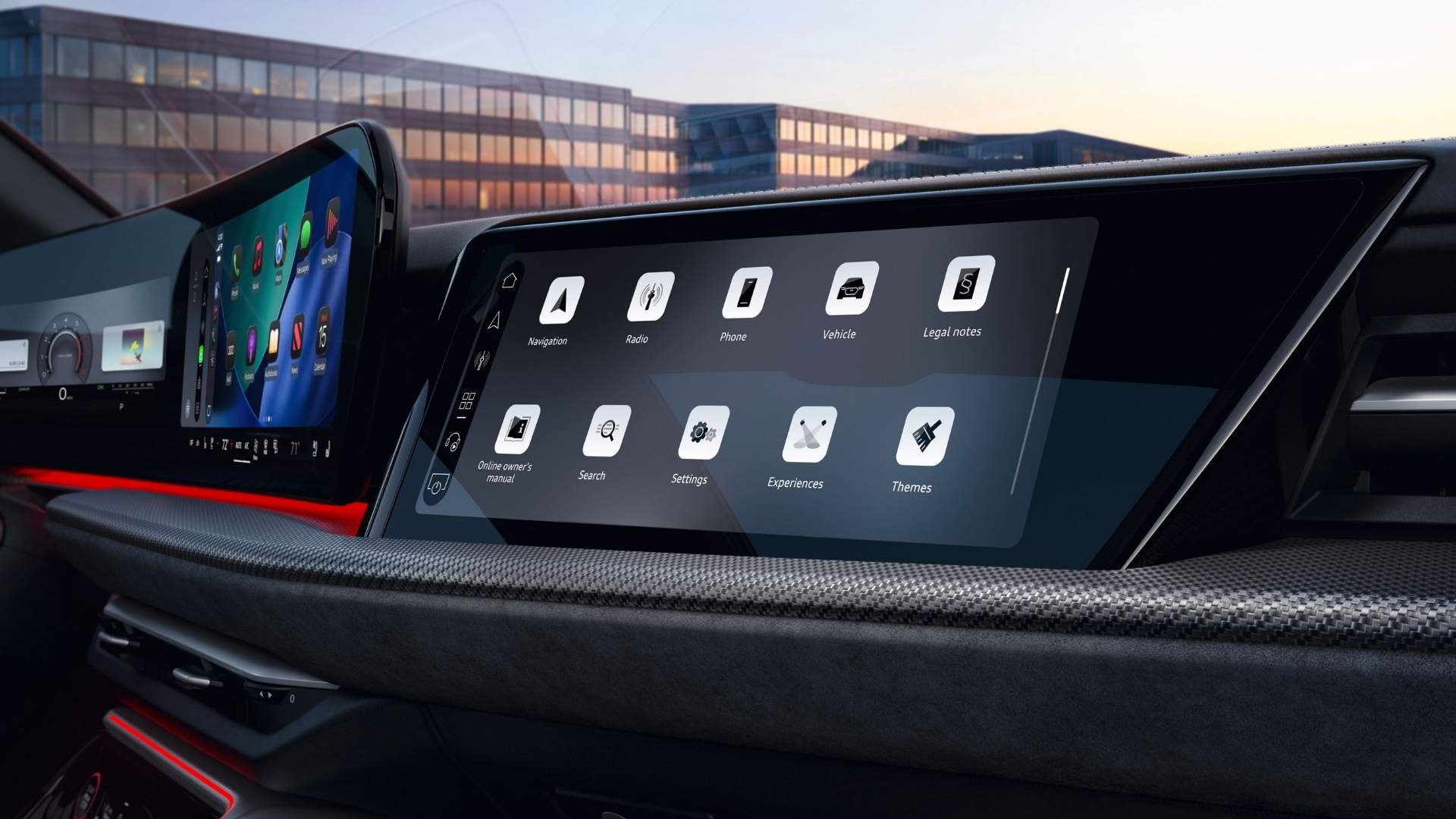
The Audi Virtual Cockpit replaces traditional gauges with a customizable, high-resolution digital instrument cluster. It presents key driving information, such as speed, navigation, media, and driver-assistance data, in a clear, modern layout.
In a new Audi SUV, this system plays a central role in how drivers interact with the vehicle. It improves visibility to reduce distraction and provides real-time updates. When functioning properly, it enhances both convenience and safety.
Many drivers ask what causes display issues in the Virtual Cockpit. The answer is usually simple. Most problems stem from software glitches, temporary system delays, or settings misconfigurations rather than hardware failure.
Common Audi Virtual Cockpit Display Issues
Screen Freezing or Lagging
One of the most common concerns is a screen that freezes or responds slowly, which can happen when the system is processing multiple inputs at once, such as navigation updates and media changes.
A frozen display does not always indicate a malfunction. In many cases, the system needs a reset to restore normal performance.
First Steps to Troubleshoot the Display
Restart the Vehicle System
The first and simplest step is to restart the vehicle. Turn the engine off, open the driver's door, and wait a few minutes before restarting.
This process allows the system to shut down and reset fully. Many minor issues resolve themselves after a complete restart. A clear answer many drivers look for is this: Restarting the vehicle resets temporary software errors and restores normal display function in many cases.
Check Brightness and Display Settings
Sometimes a setting, not a malfunction, causes the issue because low display brightness can make the screen appear off.
Navigate through the infotainment controls and check the brightness settings. Adjusting them can quickly restore visibility.
It is also helpful to confirm that the correct display mode is selected. The Audi Virtual Cockpit allows different layouts, and switching modes may resolve display confusion.
Troubleshooting Software and Connectivity Issues
Reset the MMI System
The Audi Virtual Cockpit works closely with the MMI infotainment system. If one system experiences a delay, it can affect the other.
To reset the system, press and hold the MMI control knob or power button until the screen restarts, forcing a reboot without turning off the entire vehicle.
Many drivers ask how effective this step is. Resetting the MMI system clears temporary software bugs and helps restore proper display performance.
Check for Software Updates
Modern Audi vehicles rely heavily on software to operate advanced features. Occasionally, updates are released to improve system stability and performance.
If the system is outdated, it may experience glitches or slower response times. Checking for available updates ensures the vehicle is running the latest software version.
At Audi Salt Lake City, service professionals often help drivers stay up to date with system updates, especially for newer models equipped with advanced digital displays.
Verify Device Connections
Ensure proper pairing of your device if the display pulls navigation or media content from it. Connection interruptions can cause missing or delayed information on the Virtual Cockpit. Reconnecting the device or restarting it can often resolve the issue.

When to Seek Professional Assistance
Persistent or Recurring Issues
If the display continues to malfunction after basic troubleshooting, it may require professional attention. Persistent issues can indicate deeper software or hardware concerns. At this point, it is best to have the vehicle inspected by trained technicians who understand Audi systems.
Benefits of Expert Diagnostics
Technicians at Audi Salt Lake City use specialized diagnostic tools to quickly and accurately identify issues. These tools can detect problems that are not visible through standard troubleshooting steps.
Drivers in Salt Lake City, UT, and nearby areas benefit from having access to a service center that understands the complexities of modern Audi technology. In many cases, professional diagnostics can resolve issues efficiently, restoring the full functionality of the Virtual Cockpit.
Preventing Future Display Issues
Keep Software Updated
Keeping the system up to date helps prevent issues by including performance improvements and bug fixes, ensuring the Virtual Cockpit runs smoothly and reliably.
Use Proper Startup Habits
Allow the system a moment to initialize when starting the vehicle fully. Rapid input immediately after startup can sometimes cause temporary delays. Giving the system time to load ensures all features are ready for use.
Maintain Regular Service
Routine maintenance helps keep all vehicle systems in optimal condition. During service visits, technicians can check for updates, inspect system performance, and address potential concerns early. For drivers of a new Audi SUV, this proactive approach helps maintain a seamless driving experience.
Why the Audi Virtual Cockpit Remains a Standout Feature
The Audi Virtual Cockpit continues to set a high standard for digital driver displays. It combines clear customization and real-time information to enhance the driving experience.
When functioning properly, it reduces distraction by placing essential information directly in the driver's line of sight, making it easier to stay focused on the road while accessing important data.
At Audi Salt Lake City, drivers can explore how advanced features like the Virtual Cockpit elevate everyday driving. The dealership's long-standing experience serving Salt Lake City, UT, and surrounding communities reinforces its role as a trusted resource for Audi owners.
Understanding how to troubleshoot and maintain this system ensures drivers can continue to enjoy its benefits with confidence.